
How to use it
Short guides for every section — from your first sign-in to the materials
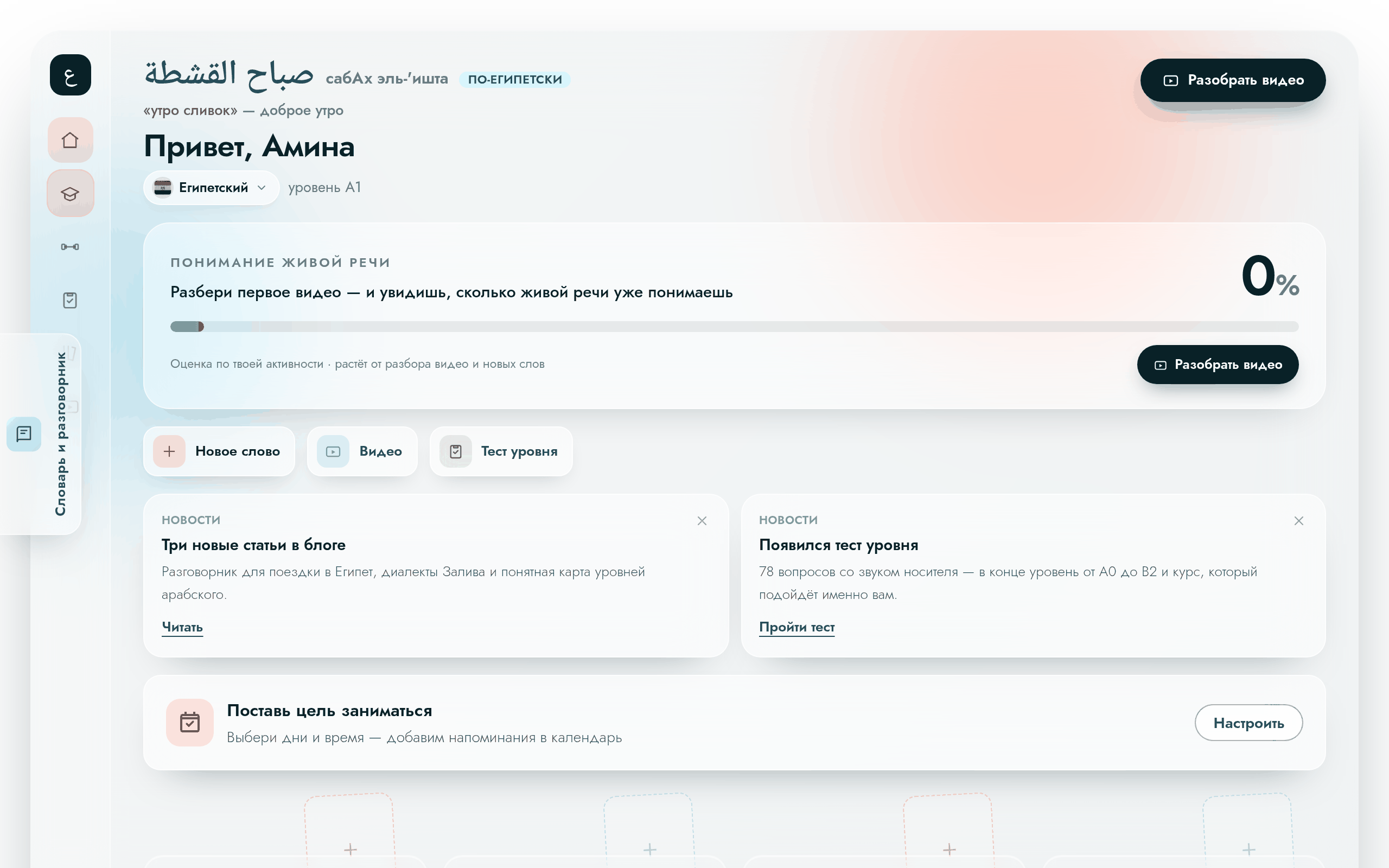
Your account
Where to find your progress, saved words and the button that resumes learning.
Open the guide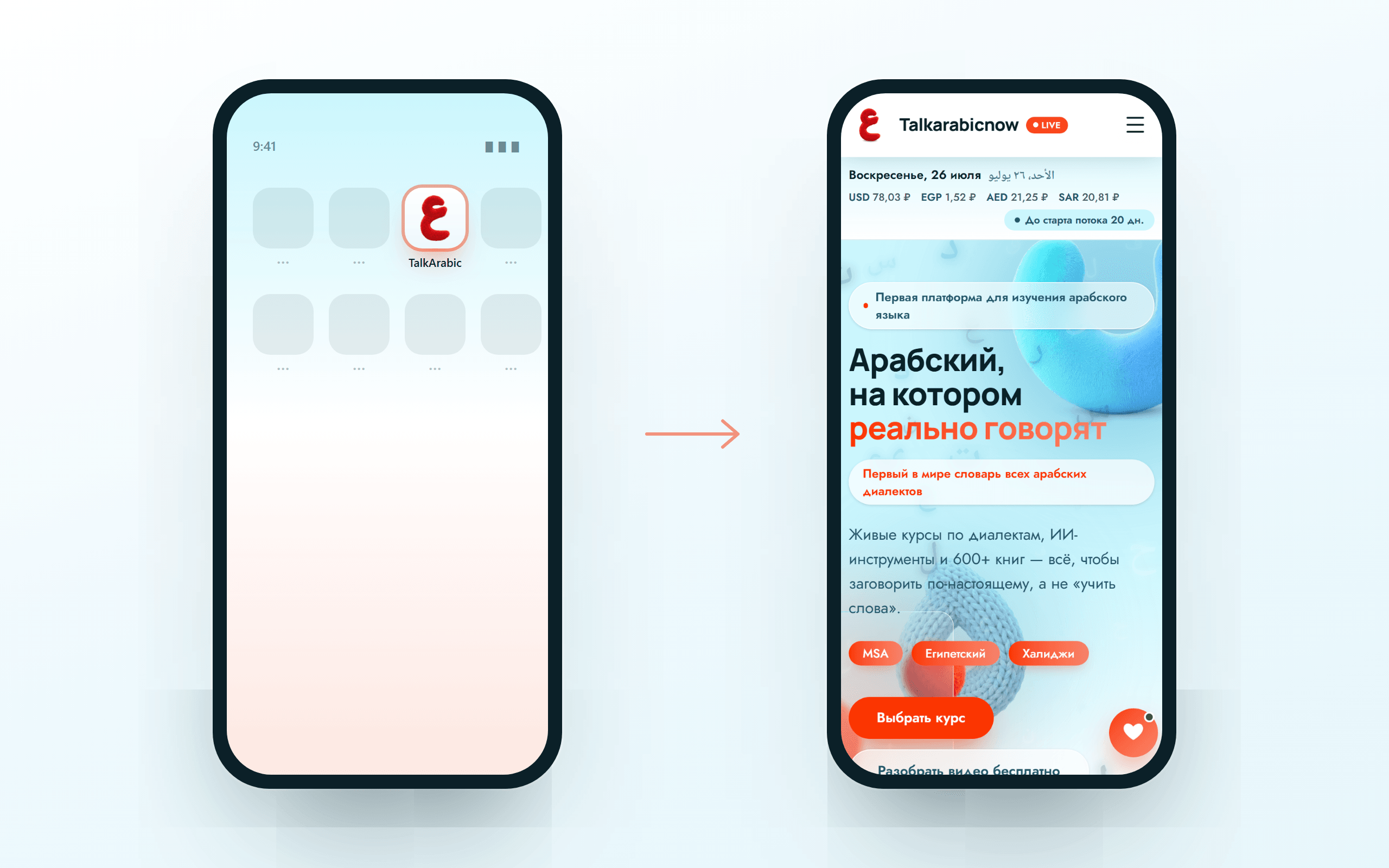
Add the site to your phone
A Talkarabicnow icon on your home screen: the platform opens with one tap, like an app.
Open the guide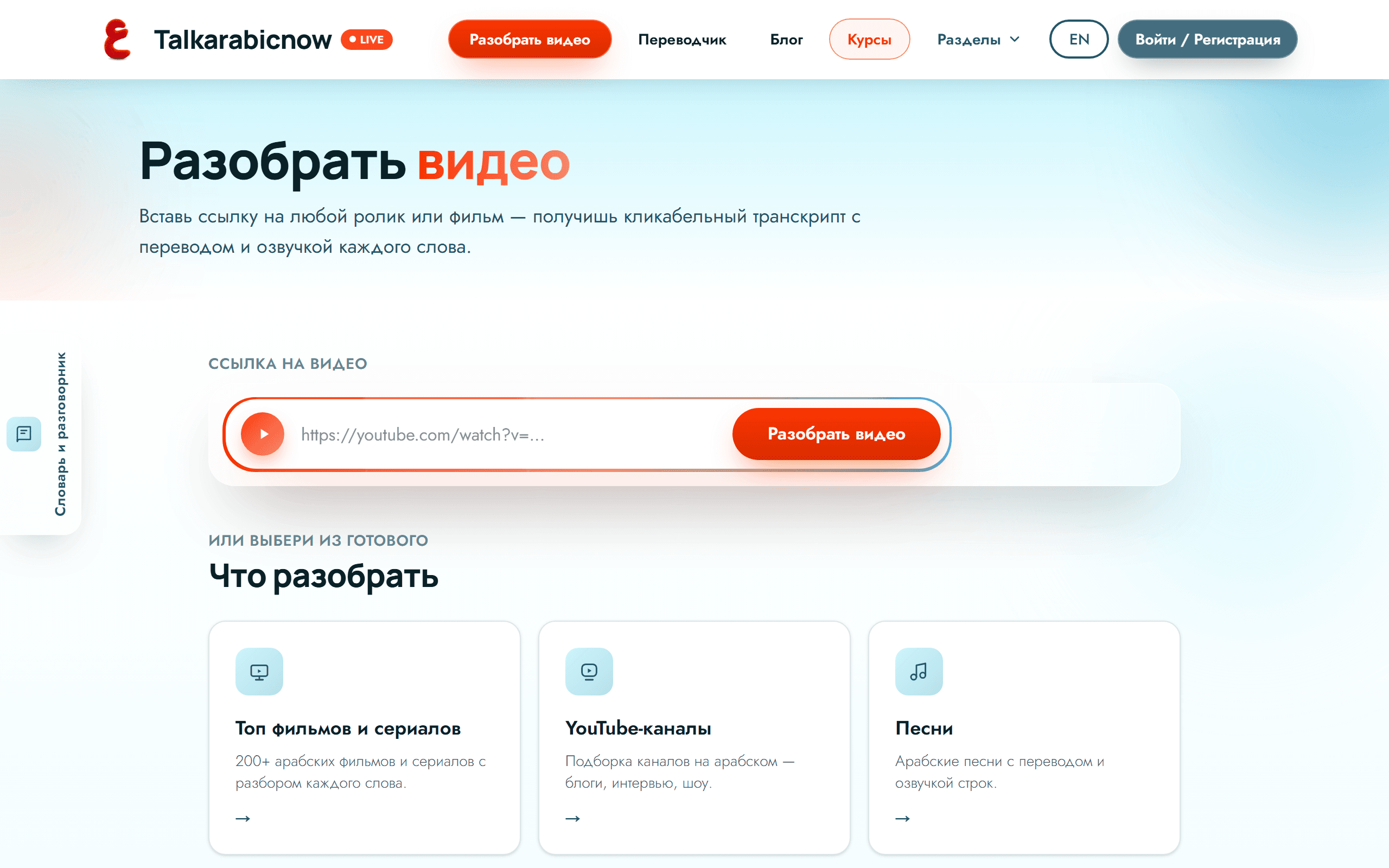
Analyse a video
Watch Arabic video with a clickable transcript: tap a word and get a full breakdown.
Open the guide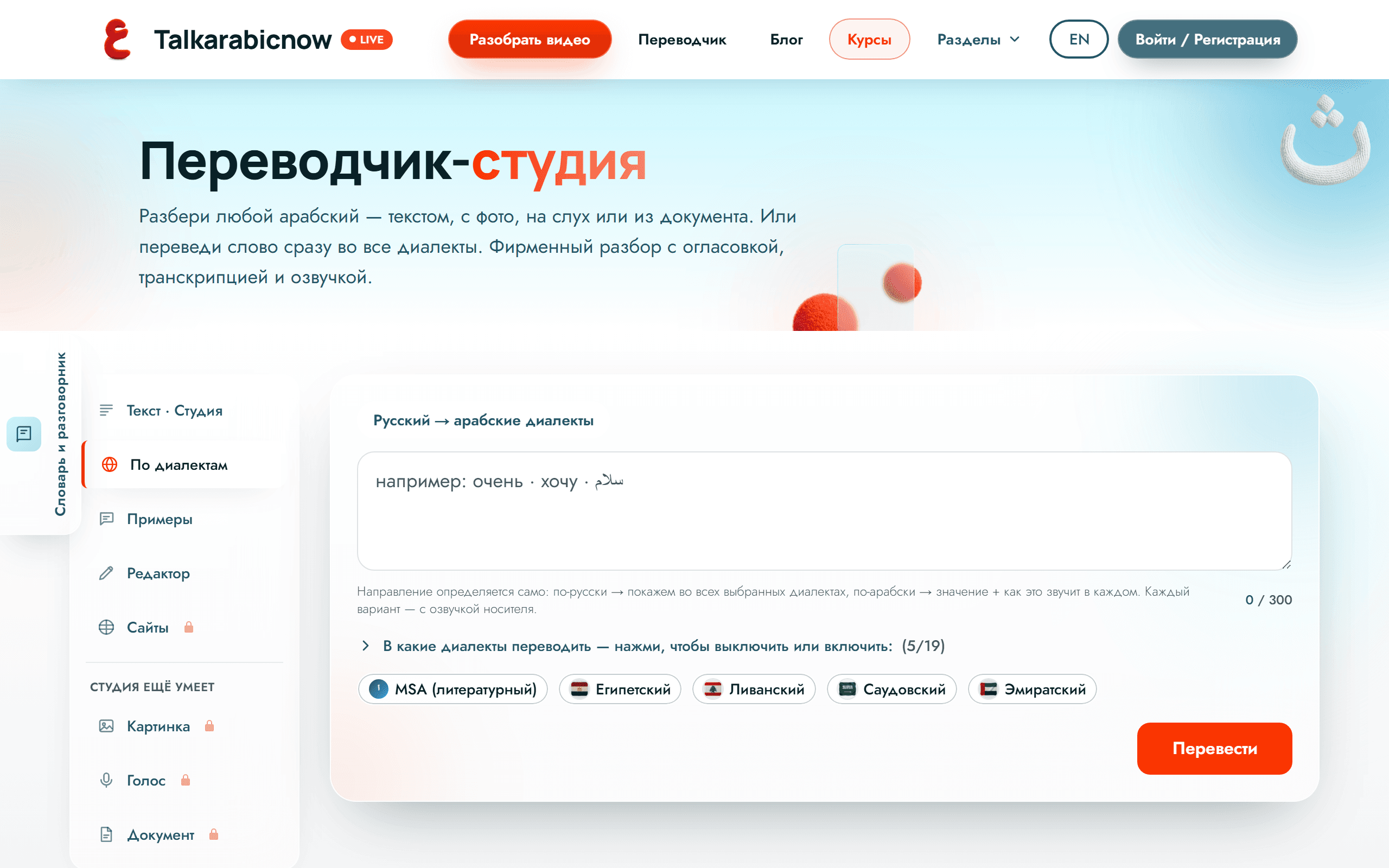
Dialect translator
One word — and you hear how it is said in Egypt, Syria, the UAE and seven more countries.
Open the guide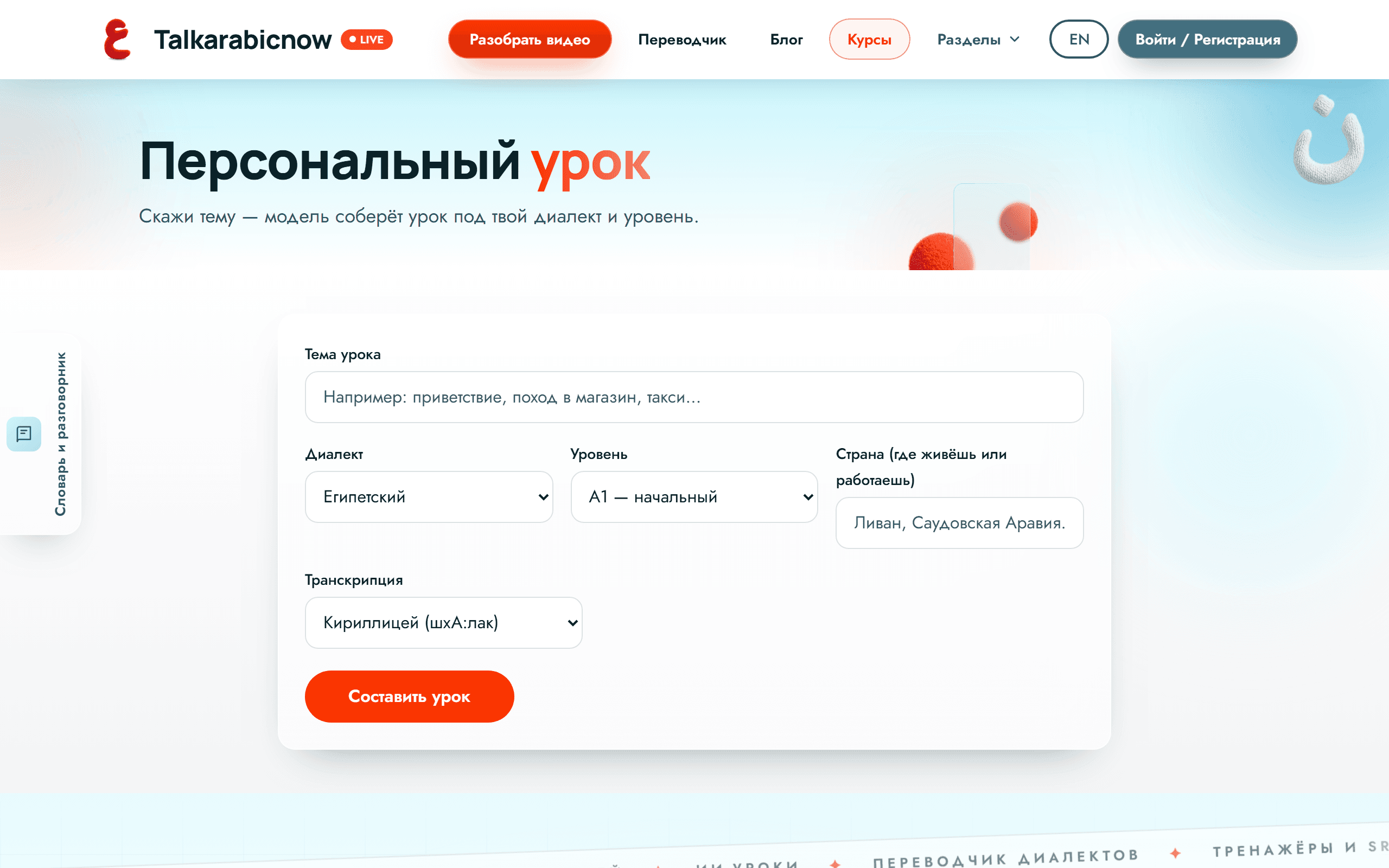
AI lessons
Name a topic and half a minute later you have a full lesson: words, a dialogue, exercises and audio.
Open the guide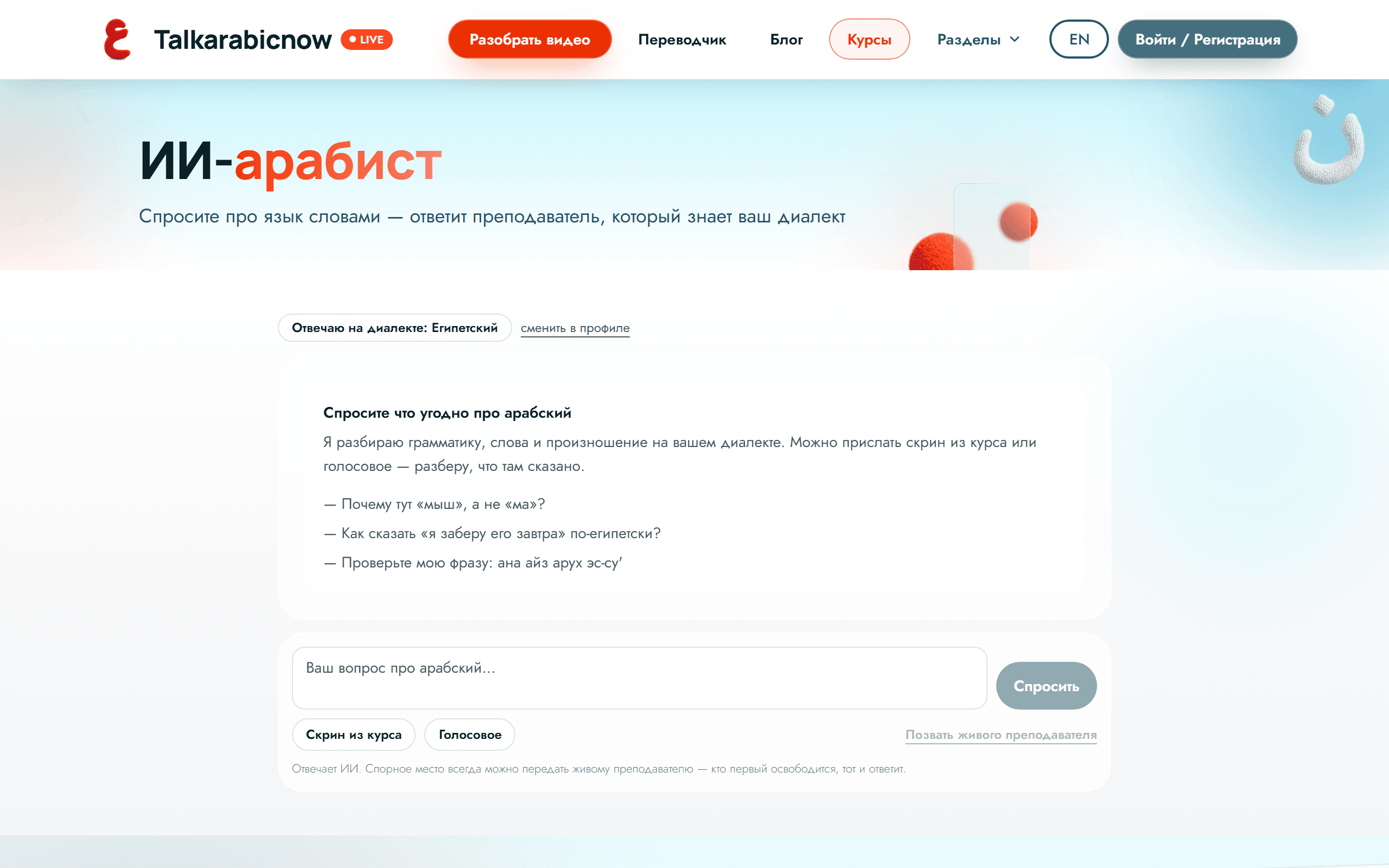
AI Arabist in chat
Ask about the language in plain words: why is it like this, did I say it right, what does this screenshot say.
Open the guide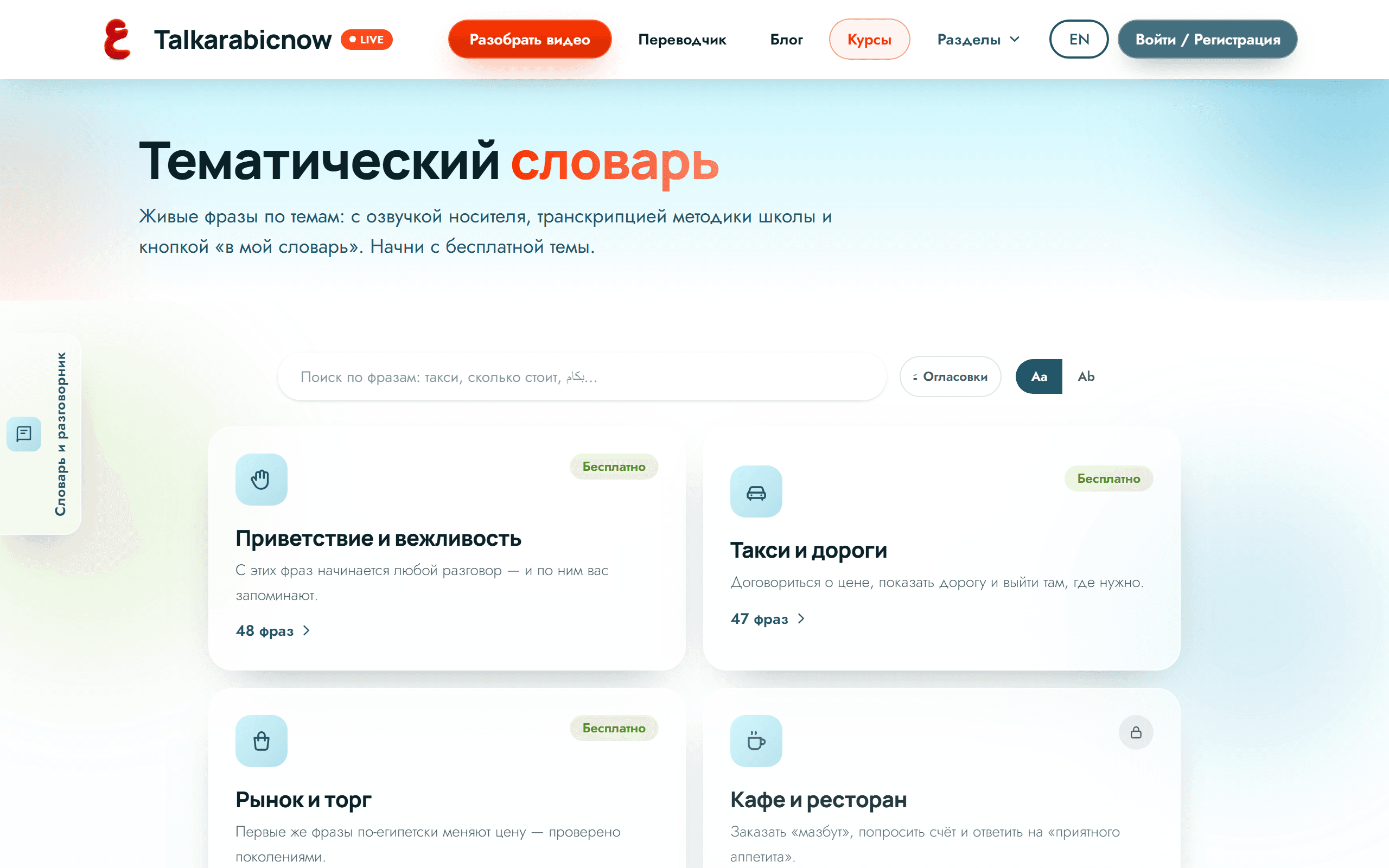
Phrasebook & word of the day
Real-life phrases by topic — with audio and dialogues — plus a page with the words you saved today.
Open the guide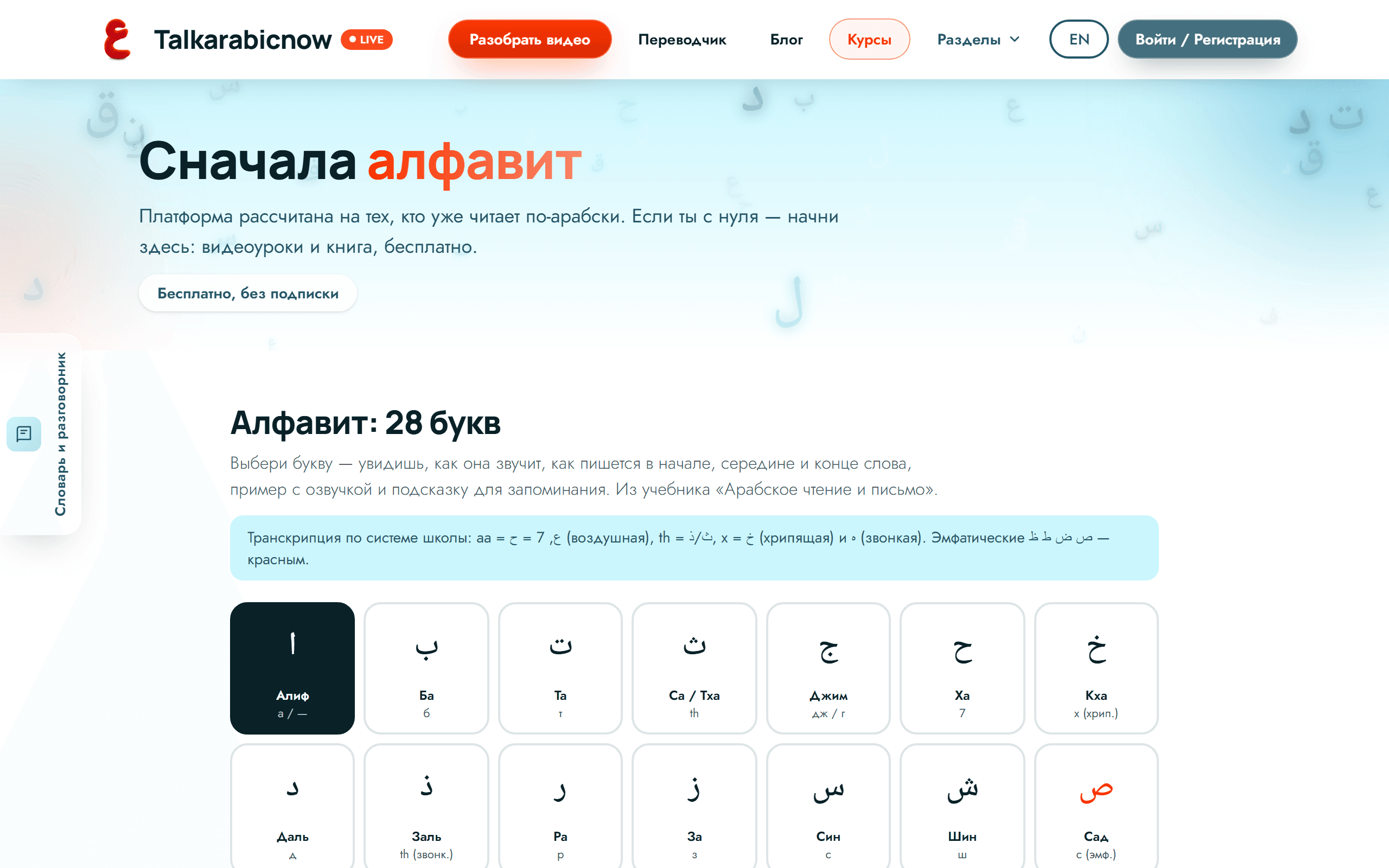
The Arabic alphabet
All 28 letters with audio: how each one sounds, how it is written, how it changes inside a word.
Open the guide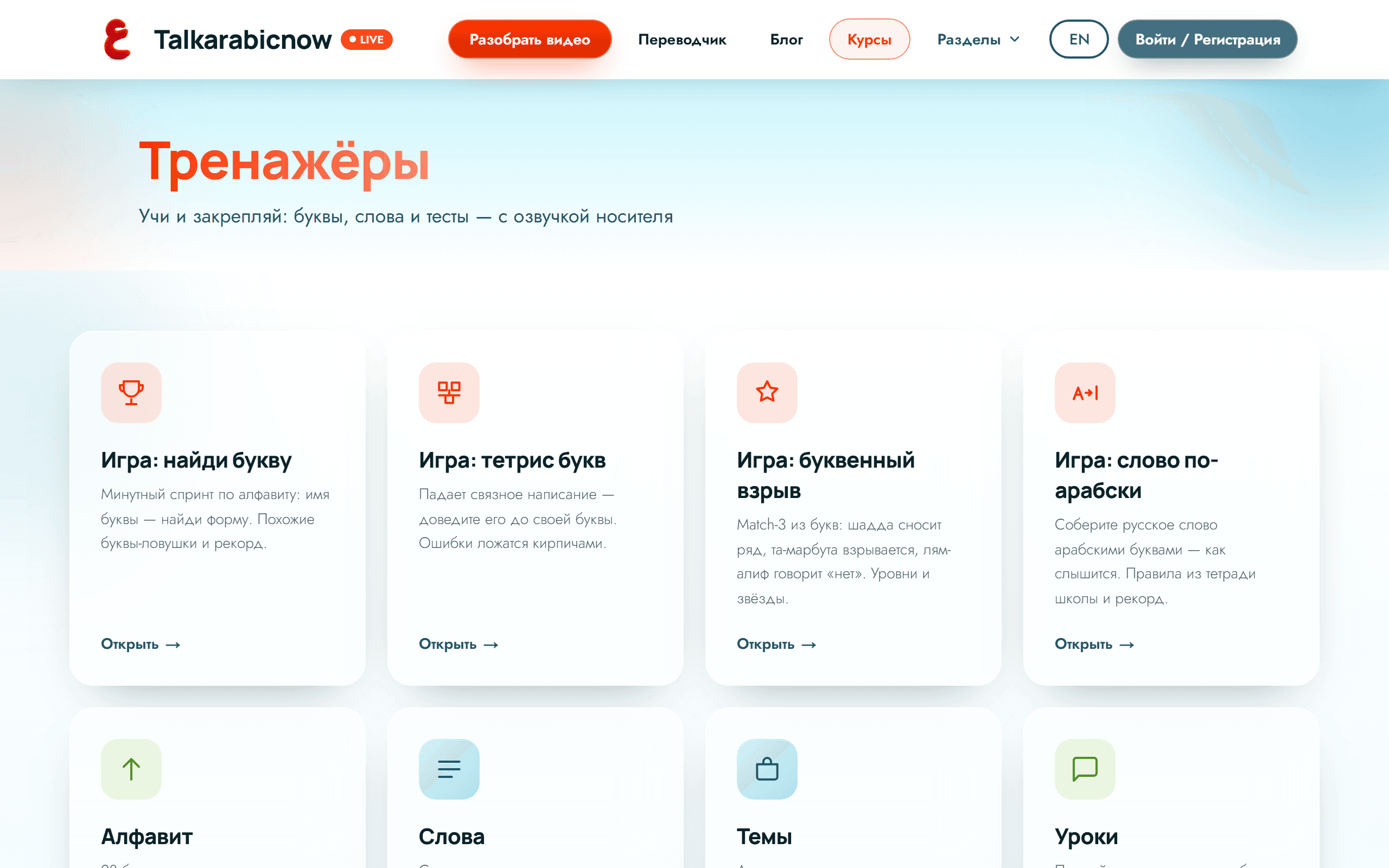
Trainers and word review
Letters, your own saved words and topic decks in your dialect — with audio and a running count of what you have mastered.
Open the guide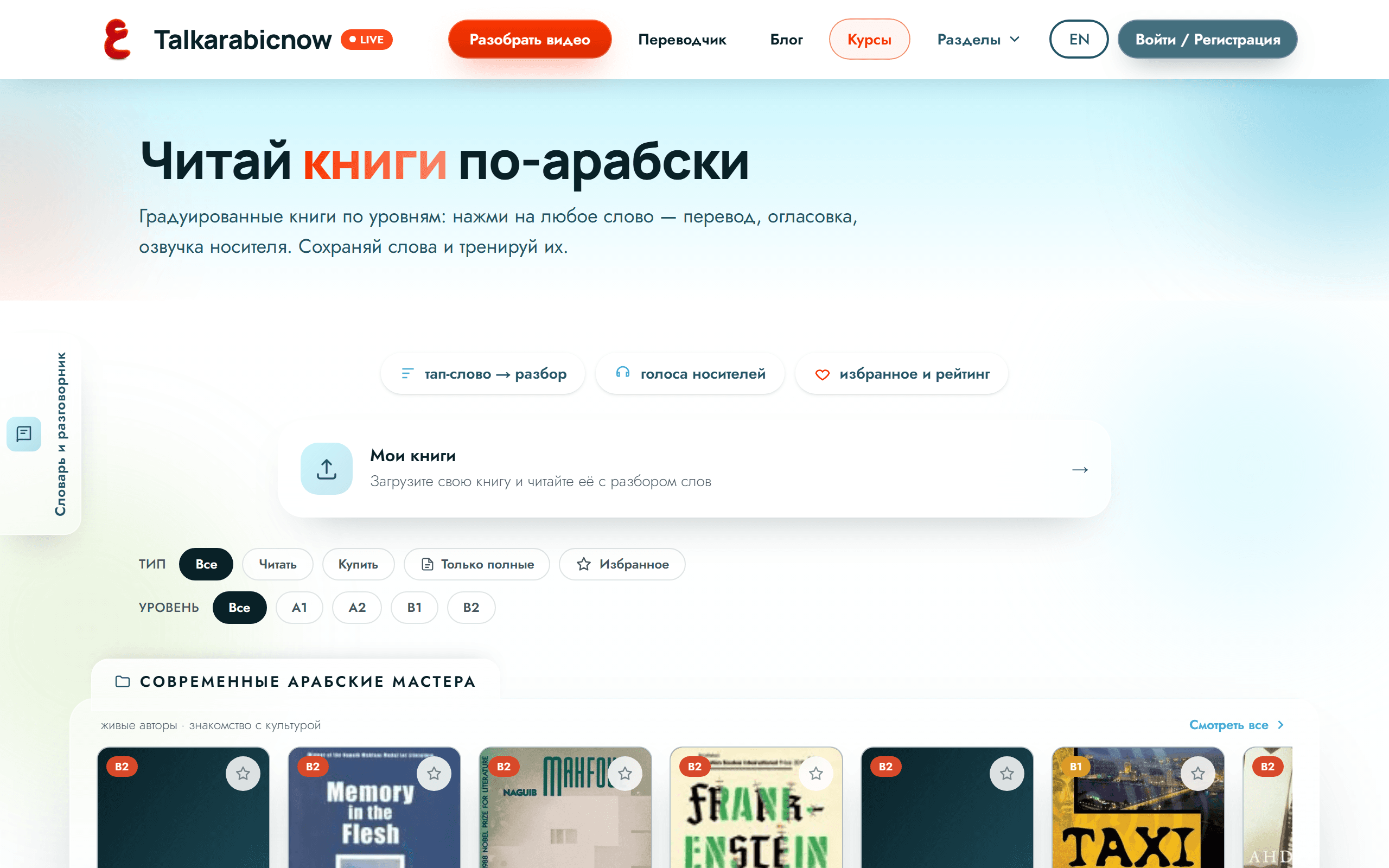
Books in the original
Read Arabic books and tap any word: translation, vowel marks and a native voice right in the text.
Open the guide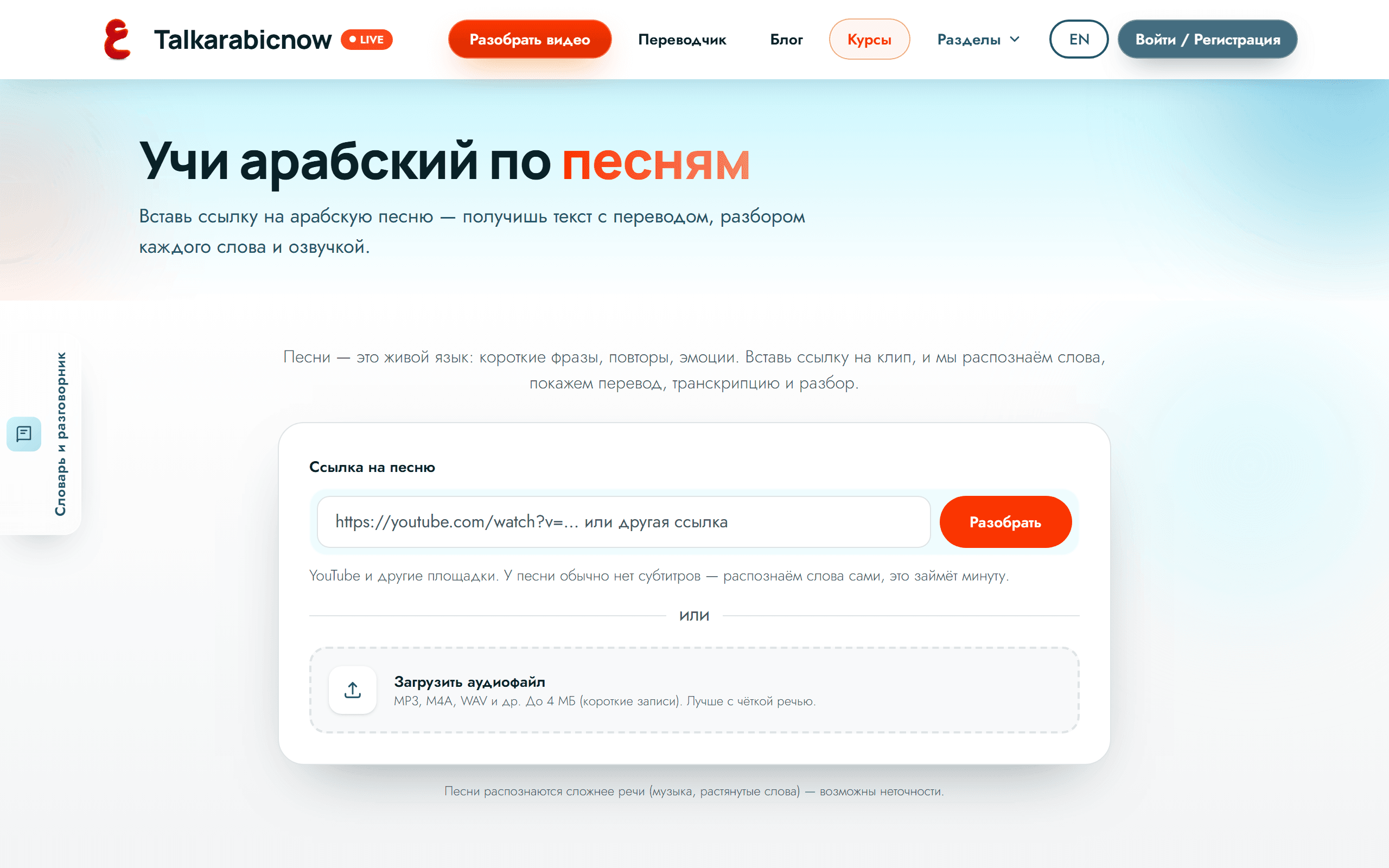
Songs and films
Two big collections — what to listen to and what to watch in Arabic, tagged by country and difficulty.
Open the guide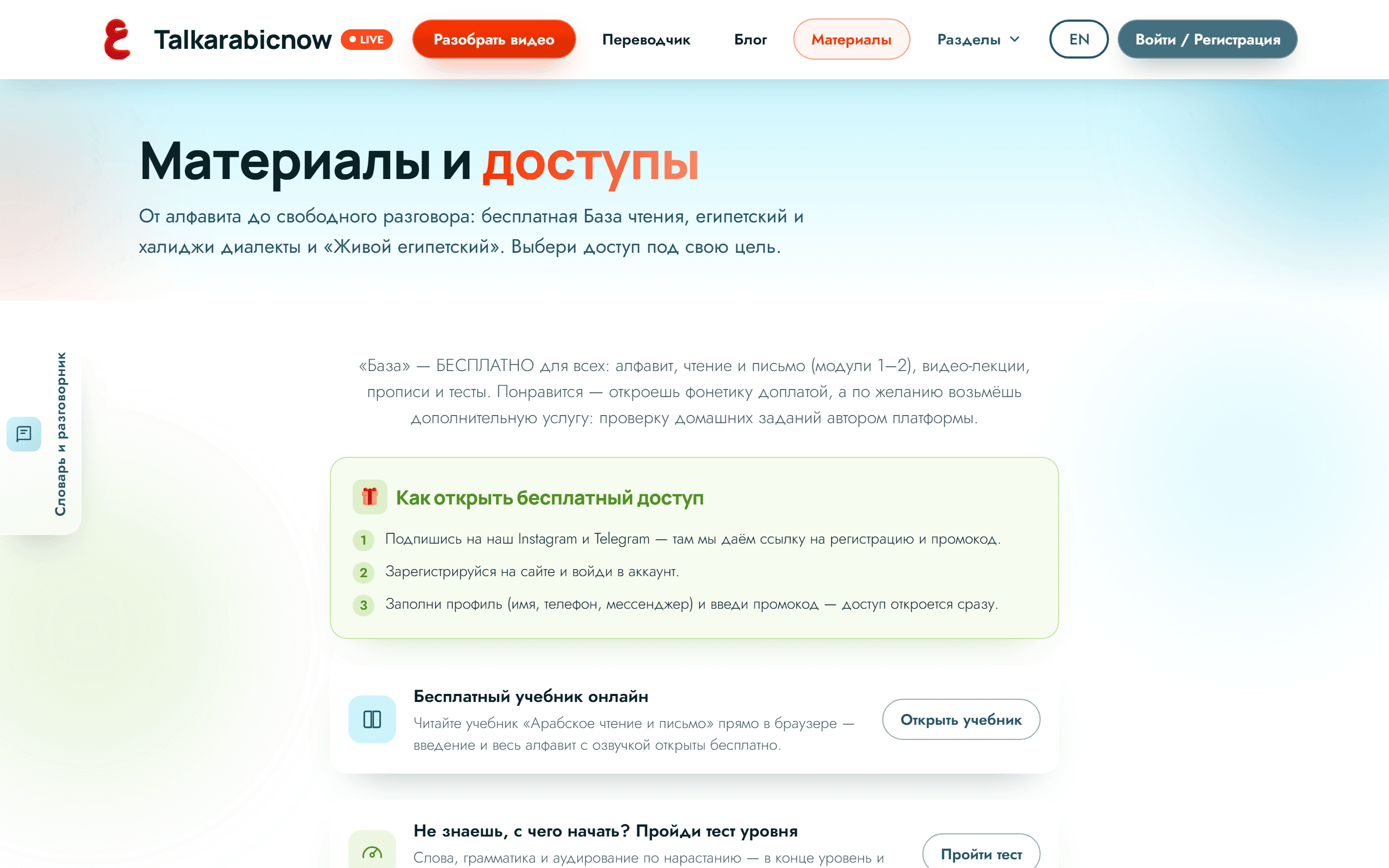
Materials and homework
How to unlock free access, where the modules live and how to hand in homework.
Open the guide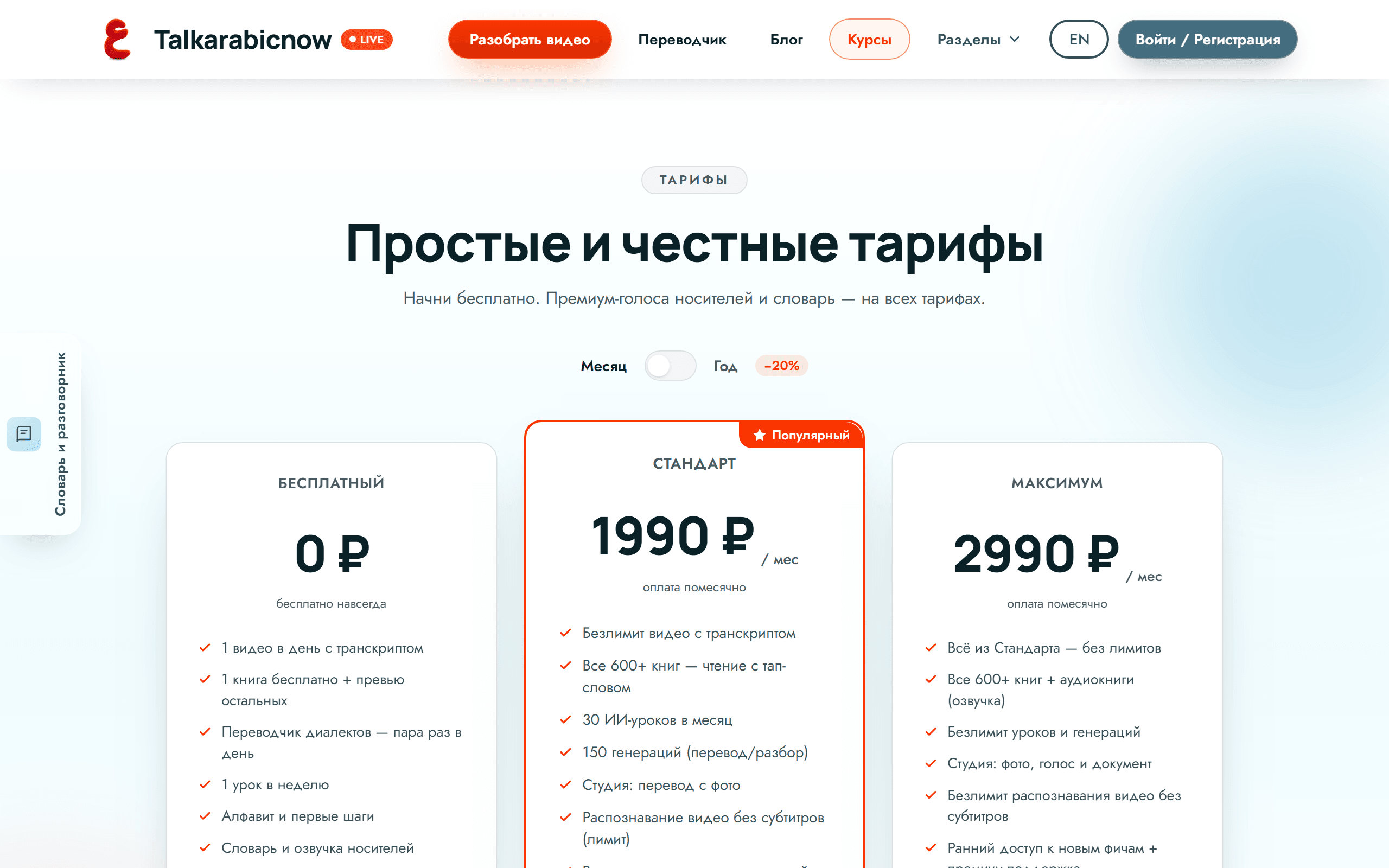
Plans and subscription
What is free, what a subscription adds, where to check your quota and how to pay.
Open the guide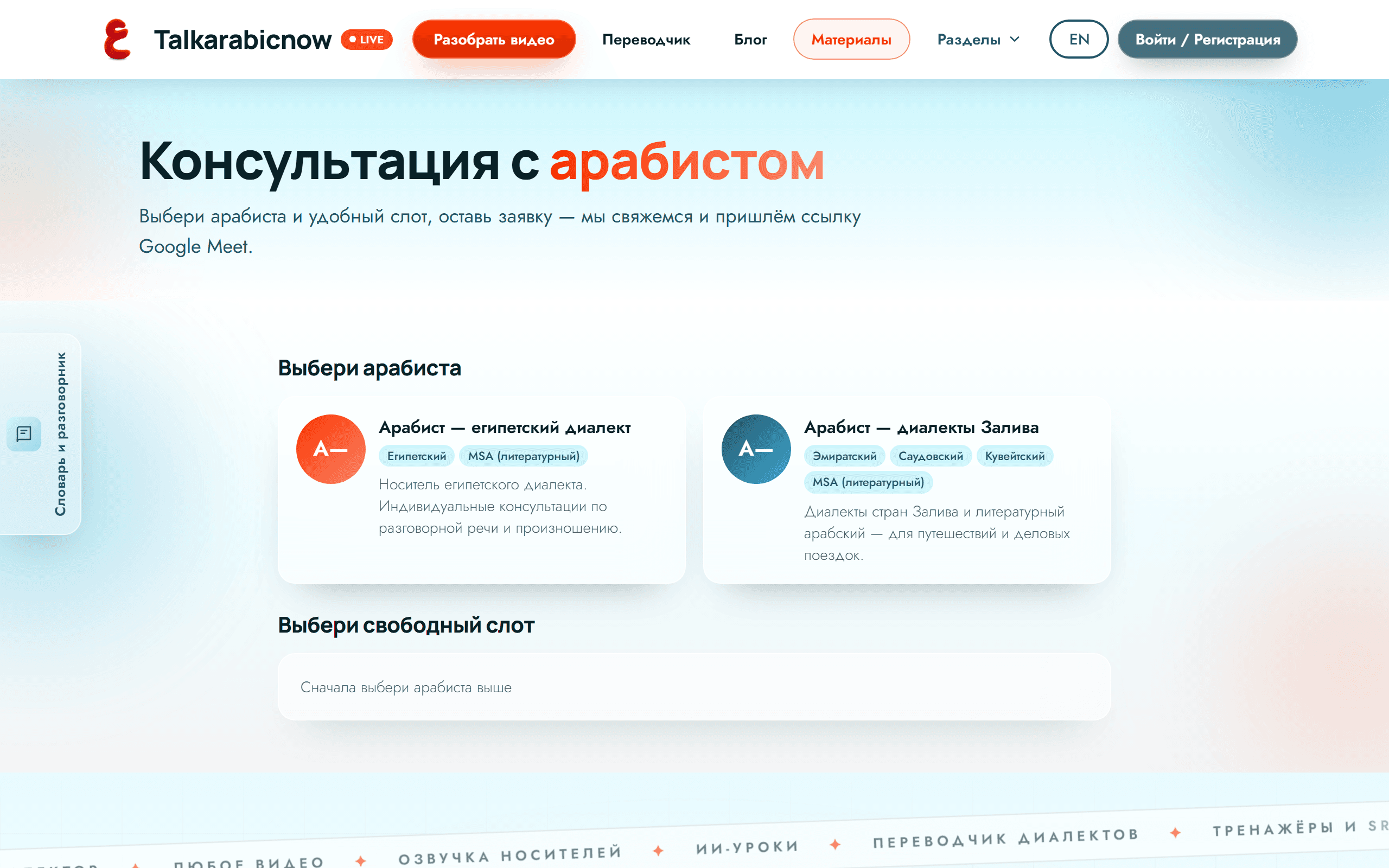
Consultations with an Arabist
How to book a one-to-one consultation with an Arabist: pick a slot, leave a request.
Open the guideHow to join an online class
Live classes happen right on the platform: a “Join the class” button in your account, the recording appears there after.
Open the guideDidn't find the answer?
Write to us — we'll help you figure it out and suggest where to start.
Contact support